

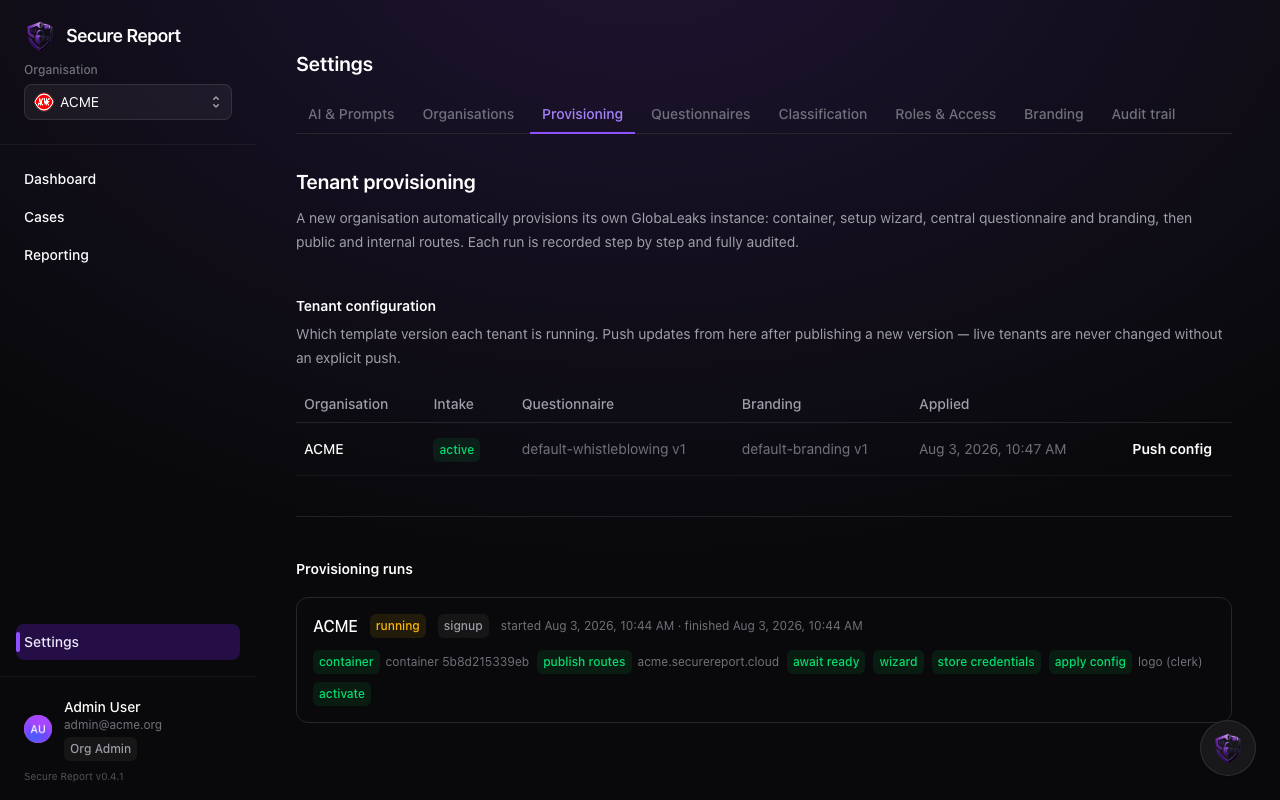
Reading a job
Each job lists its trigger (signup, manual, retry), its steps — container, route publishing, readiness, first-boot setup, credential storage, configuration — and where it currently stands. A failed step names the reason.Retrying
Provisioning is safe to retry: choose Provision again and completed steps are effectively no-ops while the failed step re-runs. If a job fails repeatedly, contact the platform team — the failure detail on the step is exactly what they’ll ask for.Once the site is
active, provisioning has done its job. Ongoing changes — questionnaires, branding — are pushed from their own Settings tabs, not by re-provisioning.