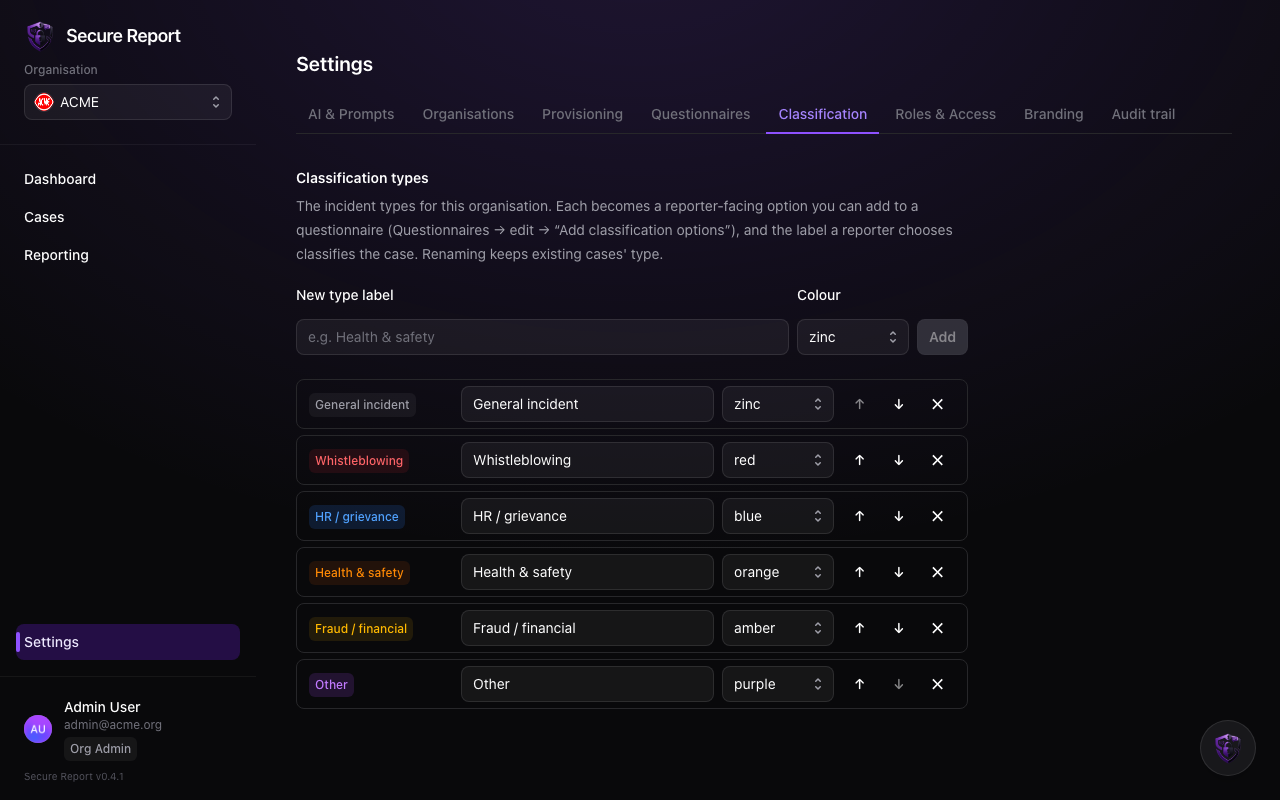
Settings → Classification defines your organisation’s incident categories — Whistleblowing, HR / grievance, Health & safety, and so on. Nothing is hardcoded: the taxonomy is yours.
What classification drives
- Reporter-facing options — add a classification question to your intake questionnaire and each type becomes an option; the reporter’s choice classifies the case automatically on arrival.
- Analyst triage — analysts can classify or re-classify any case they can see; overrides are recorded as such.
- Access control — Roles & Access can restrict a role to specific types, hiding all other cases from it.
- Dashboards — caseload breakdowns count by type.
Managing types
- Add a type with a label and a colour — the colour badges cases everywhere in the app.
- Rename freely: the underlying key is stable, so existing cases keep their classification when the label changes.
- Reorder to control how options are listed for reporters and analysts.
- Delete removes the type from future use; existing cases keep their recorded value.
Keep the list short — five to eight types triage better than twenty. Reporters classify more accurately when the choice is obvious.