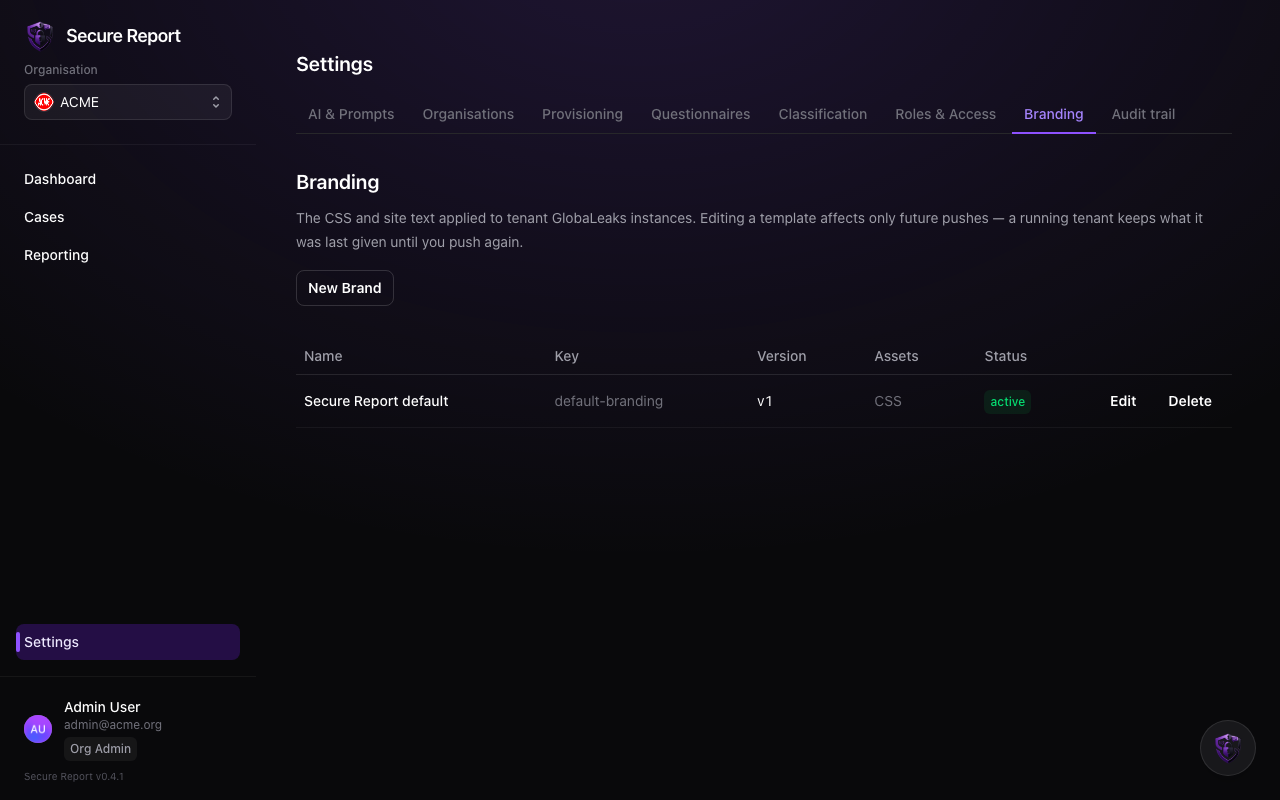
Settings → Branding controls how your organisation’s reporting site looks and reads. A reporter deciding whether to speak up is reassured by a site that clearly belongs to your organisation.
What you can set
- Logo and colours — applied to the reporting site, including a dark theme consistent with Secure Report’s own styling.
- Site text — the headline, description and guidance a reporter sees before and during submission. Write it in plain language: who should report, what happens next, and the anonymity promise you’re making.
Publishing
Branding is versioned and pushed to your intake site the same way questionnaires are — the settings screen shows which version the site is currently running, and each push is recorded.
Review the site as a reporter would: open your reporting address in a private browser window after each push. Small things — an outdated policy contact, a broken logo — cost trust exactly where you need it most.