Using it
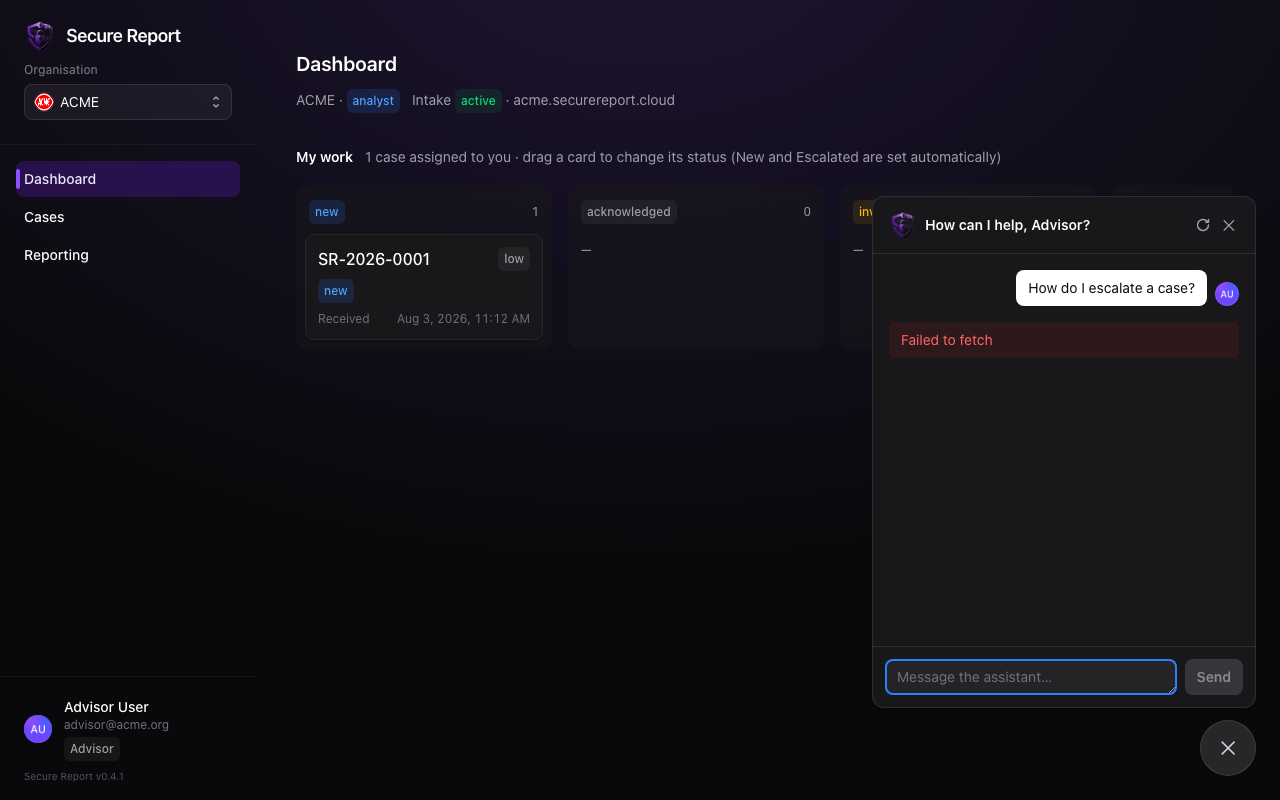
- Type a question and press Enter (Shift+Enter for a new line). Answers stream in as they’re generated.
- Suggested questions appear when you first open the panel — click one to ask it.
- Your conversation continues across visits. Use the circular-arrow button in the header to start a fresh conversation.
- The notice pinned at the top of the panel is maintained by your organisation’s platform team.
Two rules to know
The assistant is available only if your role includes it — if you don’t see the chat button, your organisation has restricted it or it isn’t configured in your environment.